 MSVector
Draw sharp vector art, at full speed
MSVector is a native vector illustration app with Bezier pen tools, exact Pathfinder booleans, live effects and multiple artboards. It is for artists, poster makers and icon designers who want art that stays sharp at any size.
Exact Pathfinder
Curve booleans that never fail with a 'cannot perform operation' message. Cut crescents, suns and stars with exact results.
Live blends and repeats
Blend shapes in smooth steps and repeat art radially. Both stay live, so you can edit the source after you build them.
Fast canvas
20,000 shapes render in about 27 ms at full retina resolution, while the interface keeps running at 120 fps.
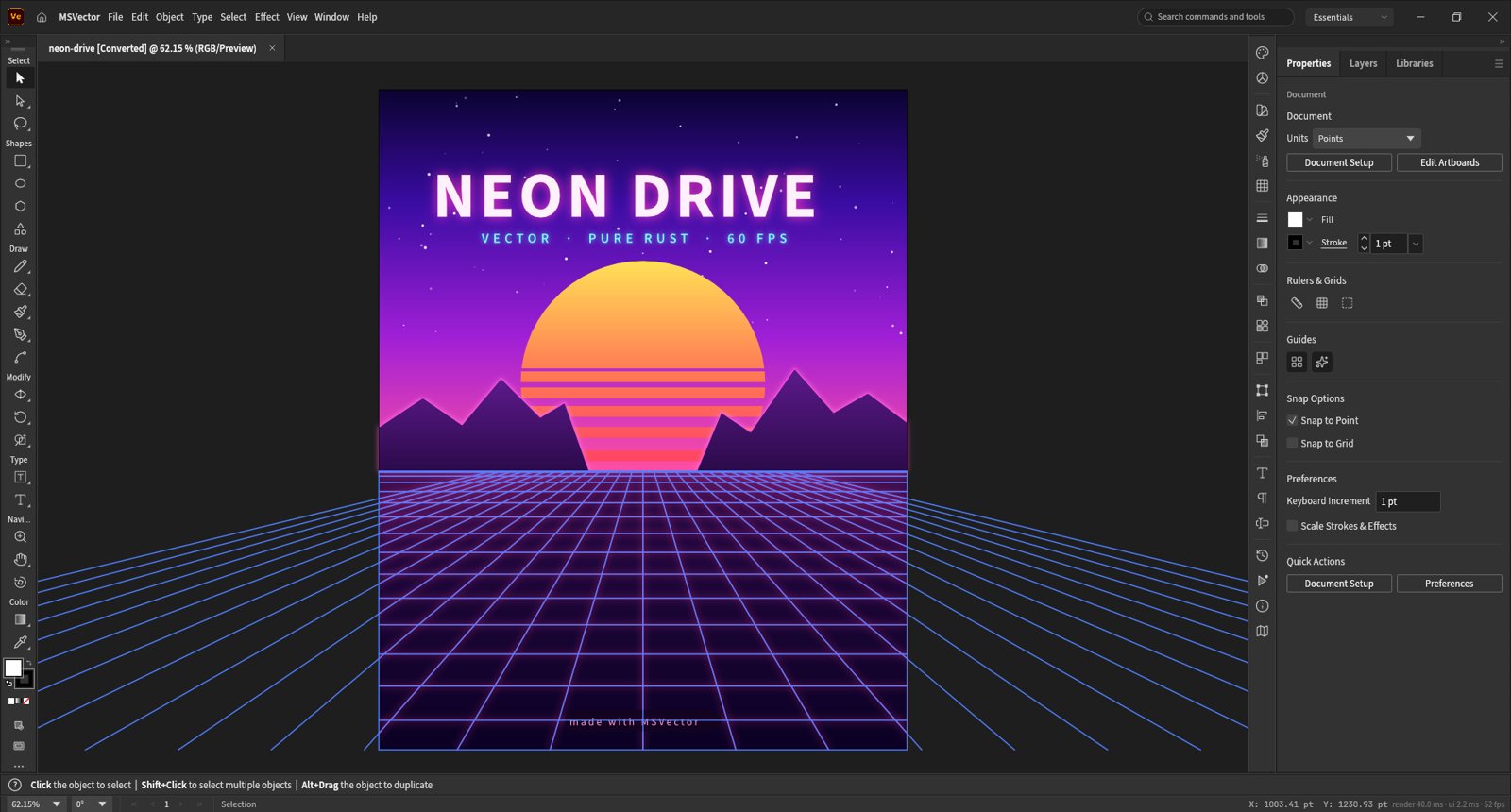
Neon Drive poster
An artboard in the middle, tools down the left, and Properties, Layers and Libraries panels on the right.
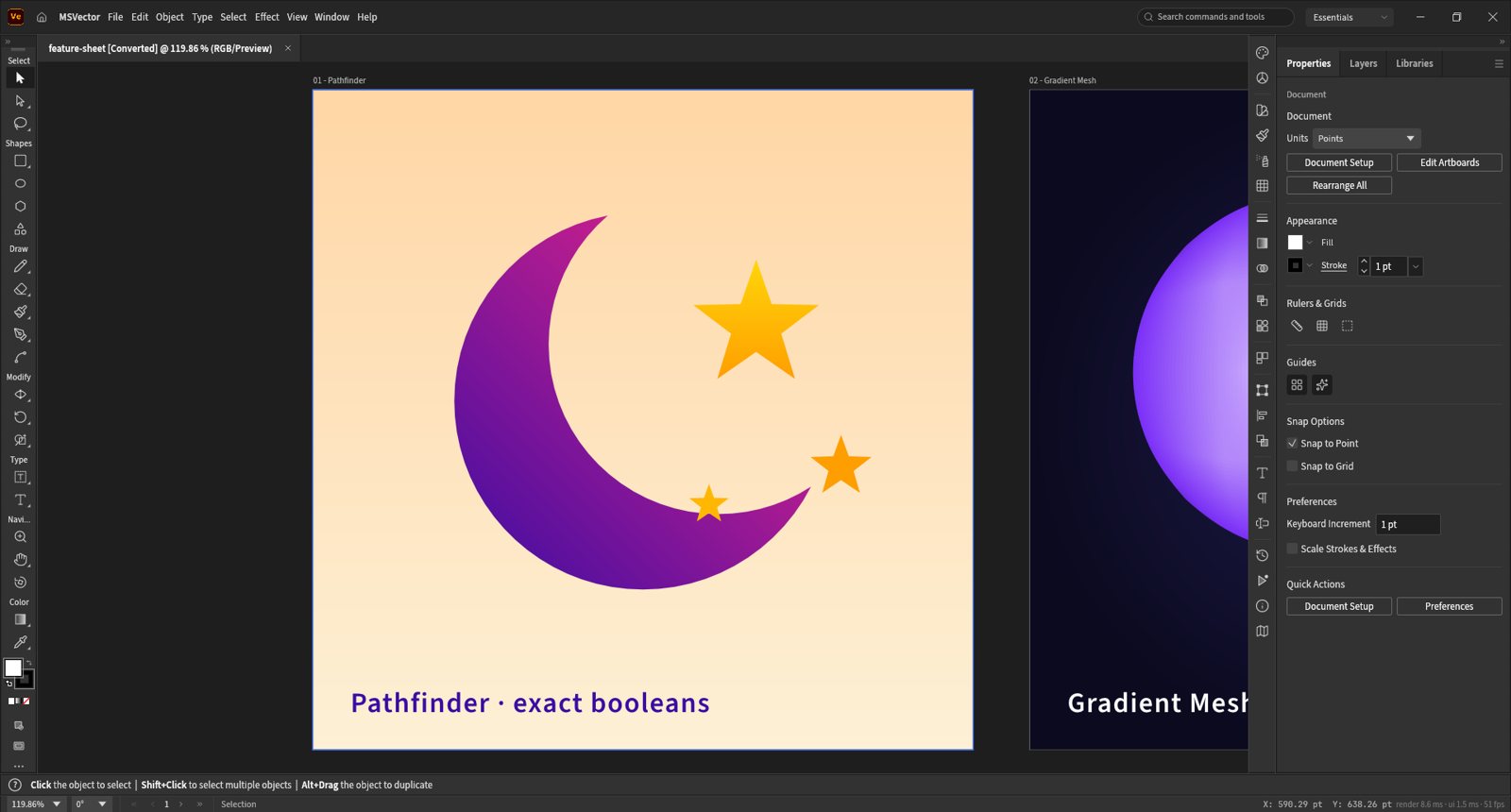
Pathfinder and gradient mesh
A feature sheet of artboards: Pathfinder booleans cut the moon shape, and a gradient mesh fills the next artboard.
Everything in MSVector
Drawing
- Pen and Direct Selection with real Bezier handles
- Pathfinder and Shape Builder
- Smart Guides and snapping
- Contextual task bar beside your selection
- Perspective Grid with editable planes
- Gradient Mesh for soft, shaded shapes
- Multiple artboards in one document
Live art
- Live Blends with editable key paths
- Live radial Repeat for mandalas and patterns
- Envelope Distort for warped type and art
- Outer Glow on type and shapes
- Clipping masks and transparency
- Appearance panel for stacked fills and effects
Type
- Type with character and paragraph styles
- Threaded text across frames
- Hebrew and Arabic bidirectional layout
- Create Outlines from any type
- Initial support for vertical type
Files
- First-class SVG reading and writing
- PDF import and export
- PDF-compatible .ai files
- EPS, DXF, EMF and WMF
- PNG, JPEG and WebP export
- Export for Screens
- A documented native format, .msvector
Workflow
- Unlimited undo through structural sharing
- Layers panel lists every object as a row
- Search bar for commands and tools
- Swatches, Gradient and Transparency panels
- Print and Package
- Interface in nine languages