 MSBroadcast
Layer it, brand it, go live.
MSBroadcast is a live production app. Stack cameras, images, text and tickers into scenes, start from ready-made news, starting soon and be right back designs, then record and stream to YouTube, Twitch and your own servers.
Layer anything
Drag, resize, crop and rotate every layer on the preview. Stack cameras, images, text, tickers and countdowns, and snap them into place.
Ready-made scenes
Ten scene designs in seven colour themes: news desk, breaking news, interview, starting soon, be right back and more. Edit every word.
Record and stream
One encode to MP4 and to YouTube, Twitch and any RTMP server at once, with hardware encoding when your graphics card has it.
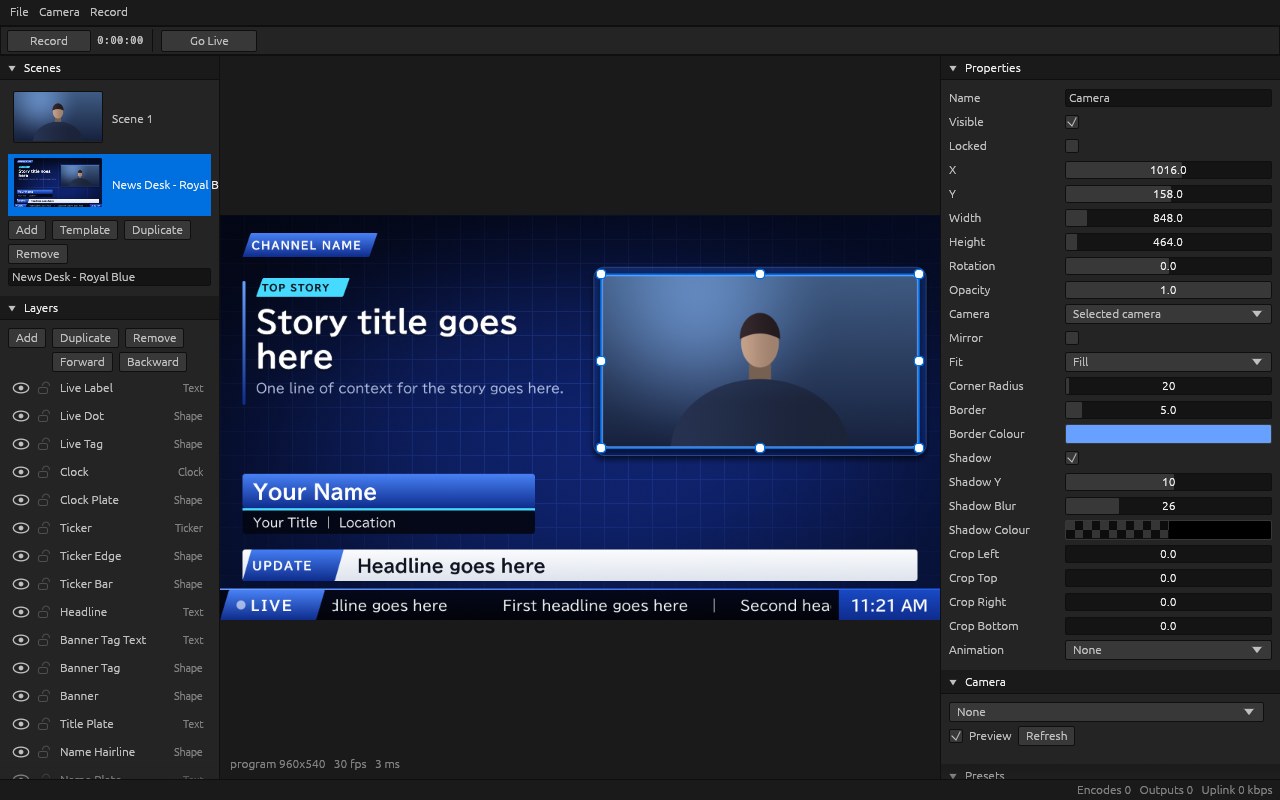
Layers and properties
A news desk scene with the camera window selected: resize handles on the preview, the layer stack on the left and every setting on the right.
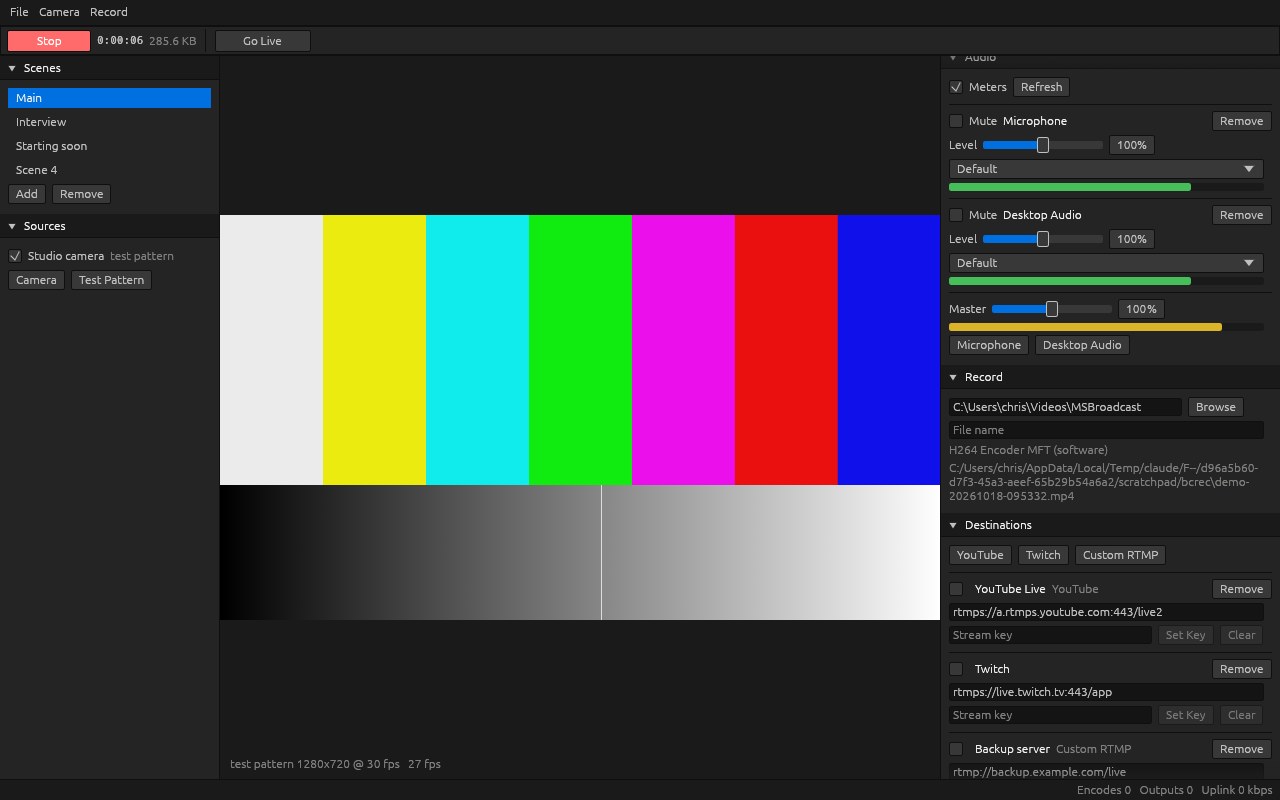
Recording in progress
The Record button turns to Stop, the timer and file size count up, and the encoder in use is shown next to the file being written.
Scenes made in MSBroadcast
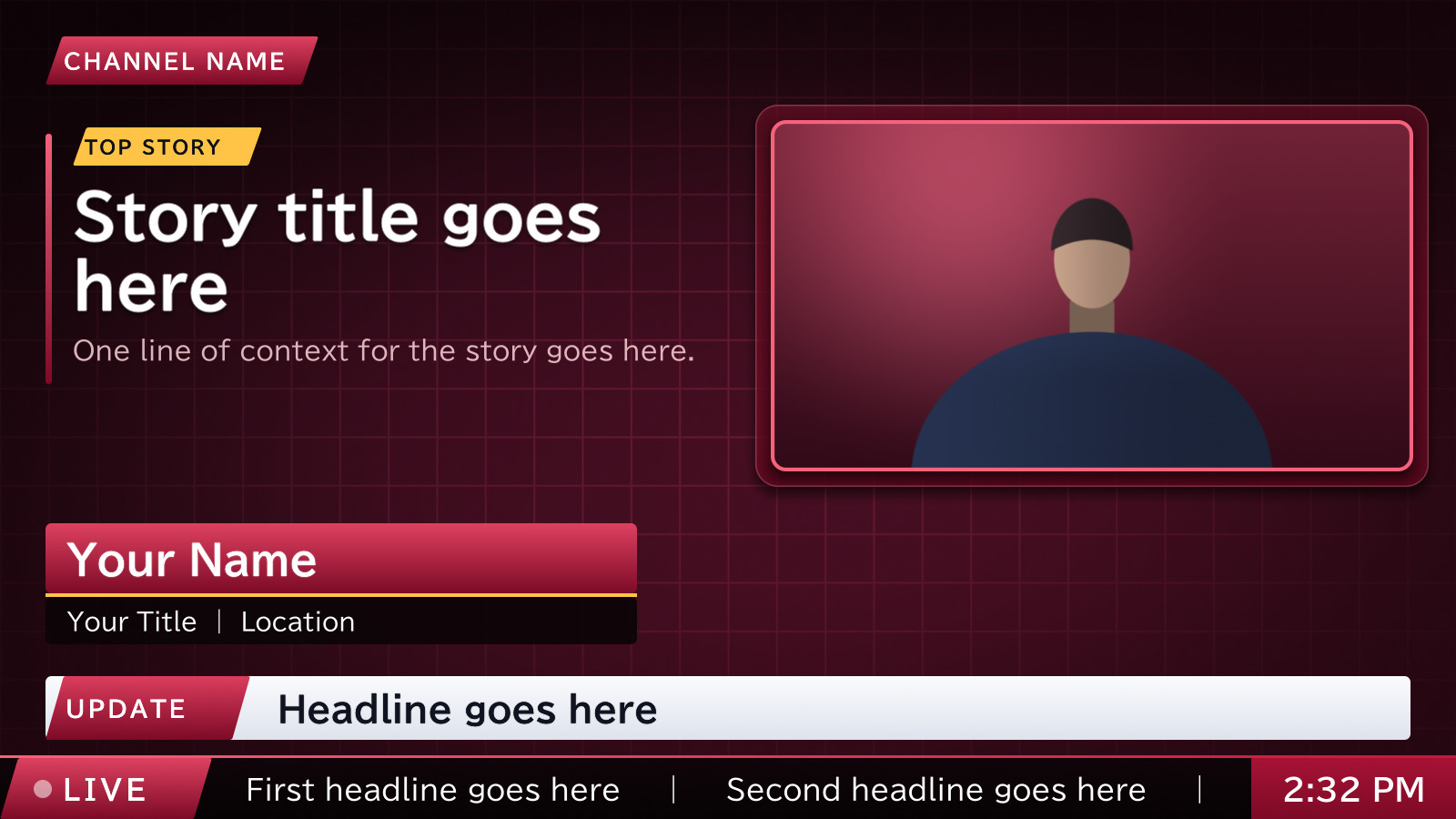
News Desk · Crimson
A news desk scene: framed camera window, story card, lower third with name and title, headline banner, scrolling ticker with a live tag and a clock.

Breaking News · Amber
A full-screen breaking news scene: a slanted colour band, a headline card and a ticker.
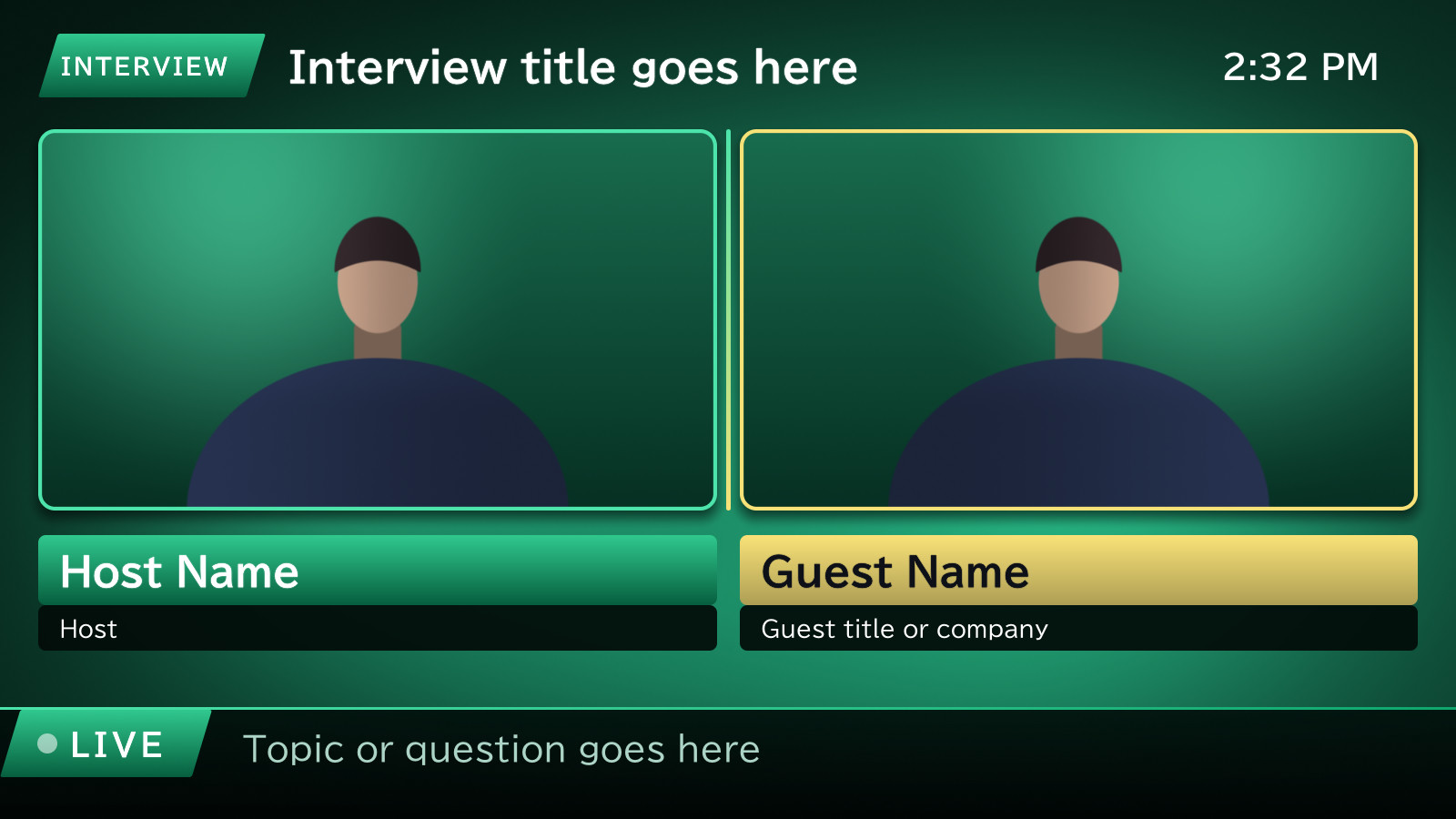
Interview · Emerald
A split-screen interview: two camera frames with name plates and a title bar.
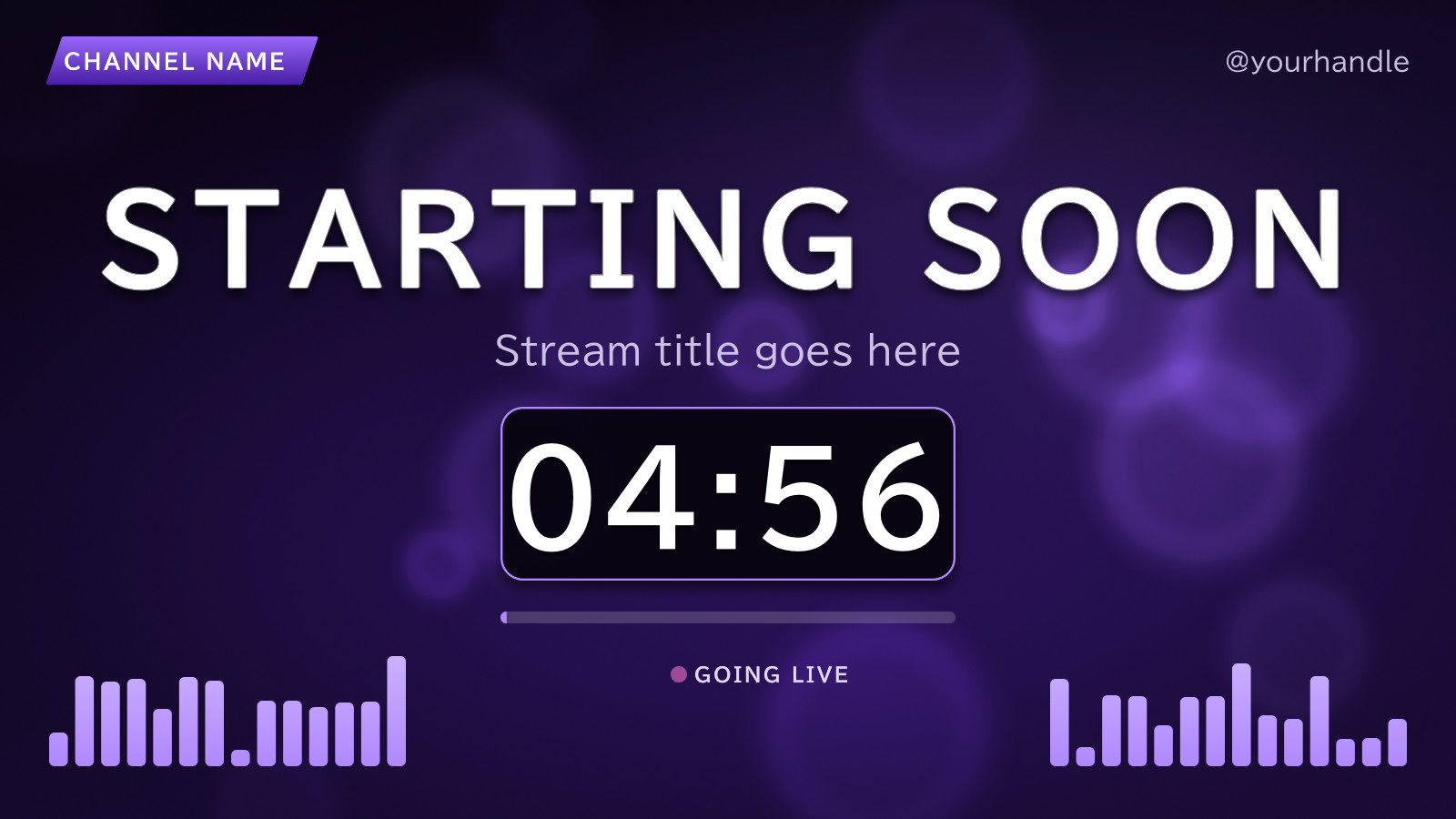
Starting Soon · Violet
A starting soon scene with a live countdown, a progress bar and animated level bars over a soft bokeh backdrop.
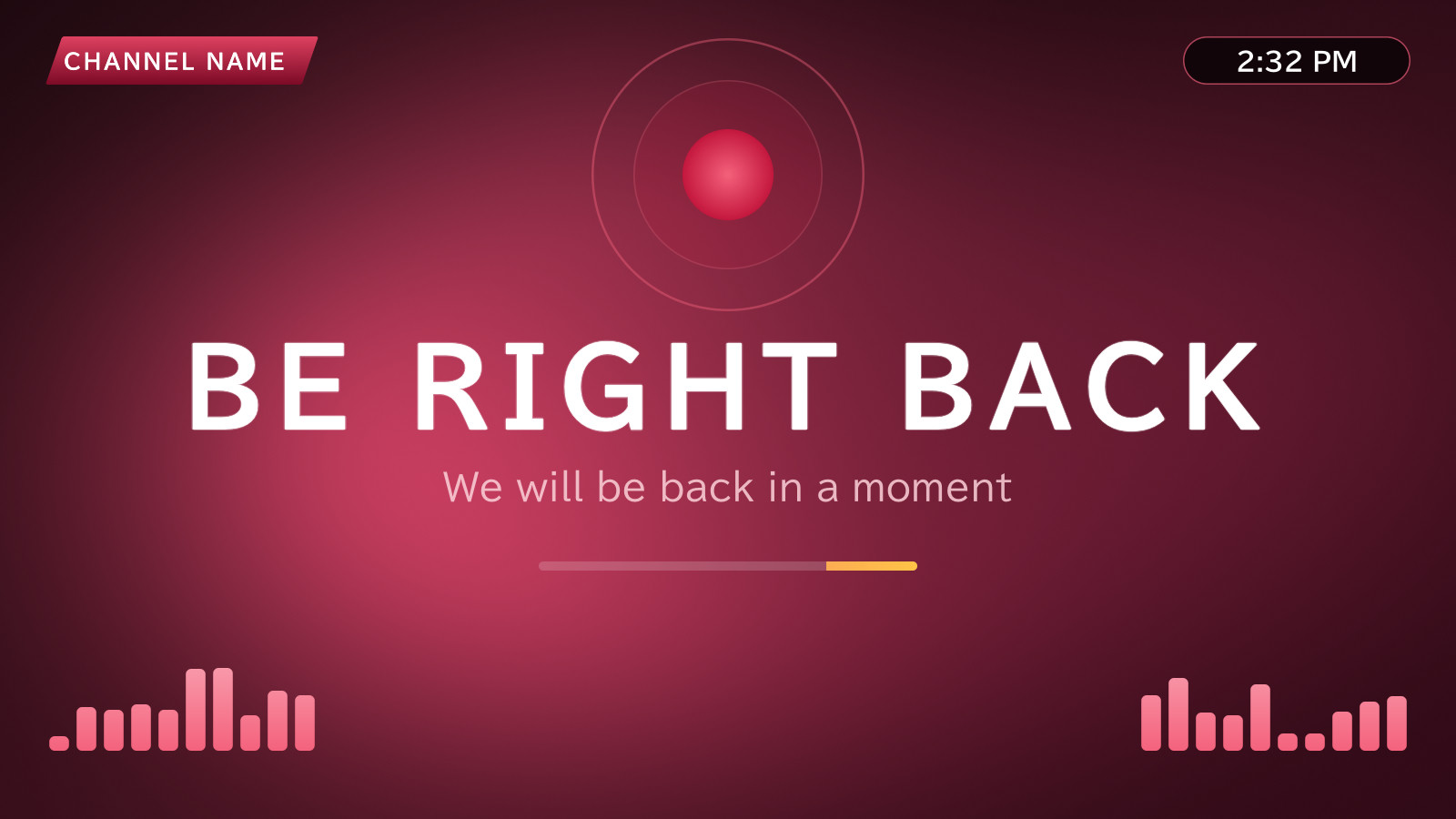
Be Right Back · Crimson
A be right back scene with a pulsing indicator, a sweeping progress bar and the time of day.
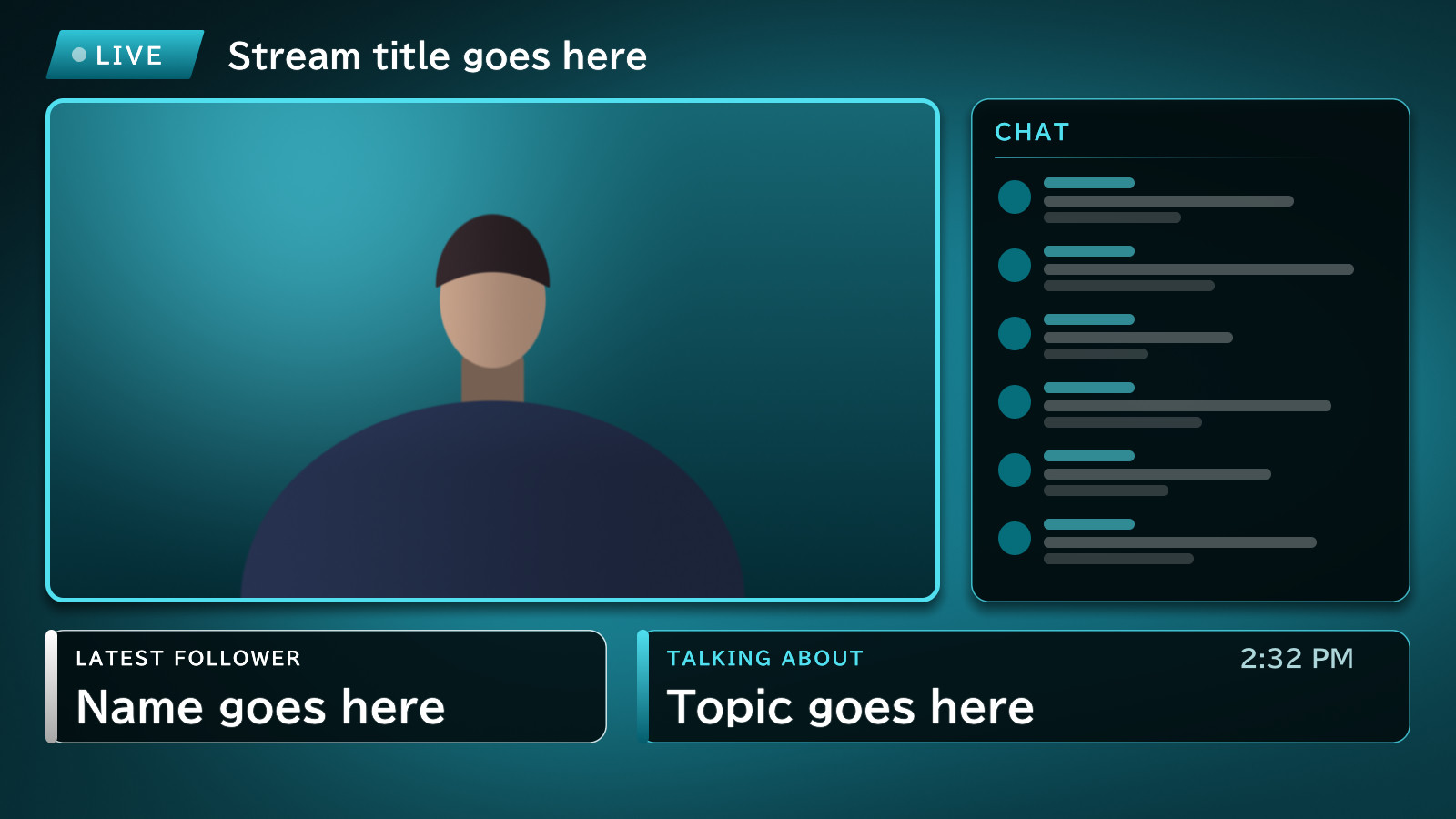
Just Chatting · Ocean
A camera window beside a chat panel, with latest follower and topic boxes.
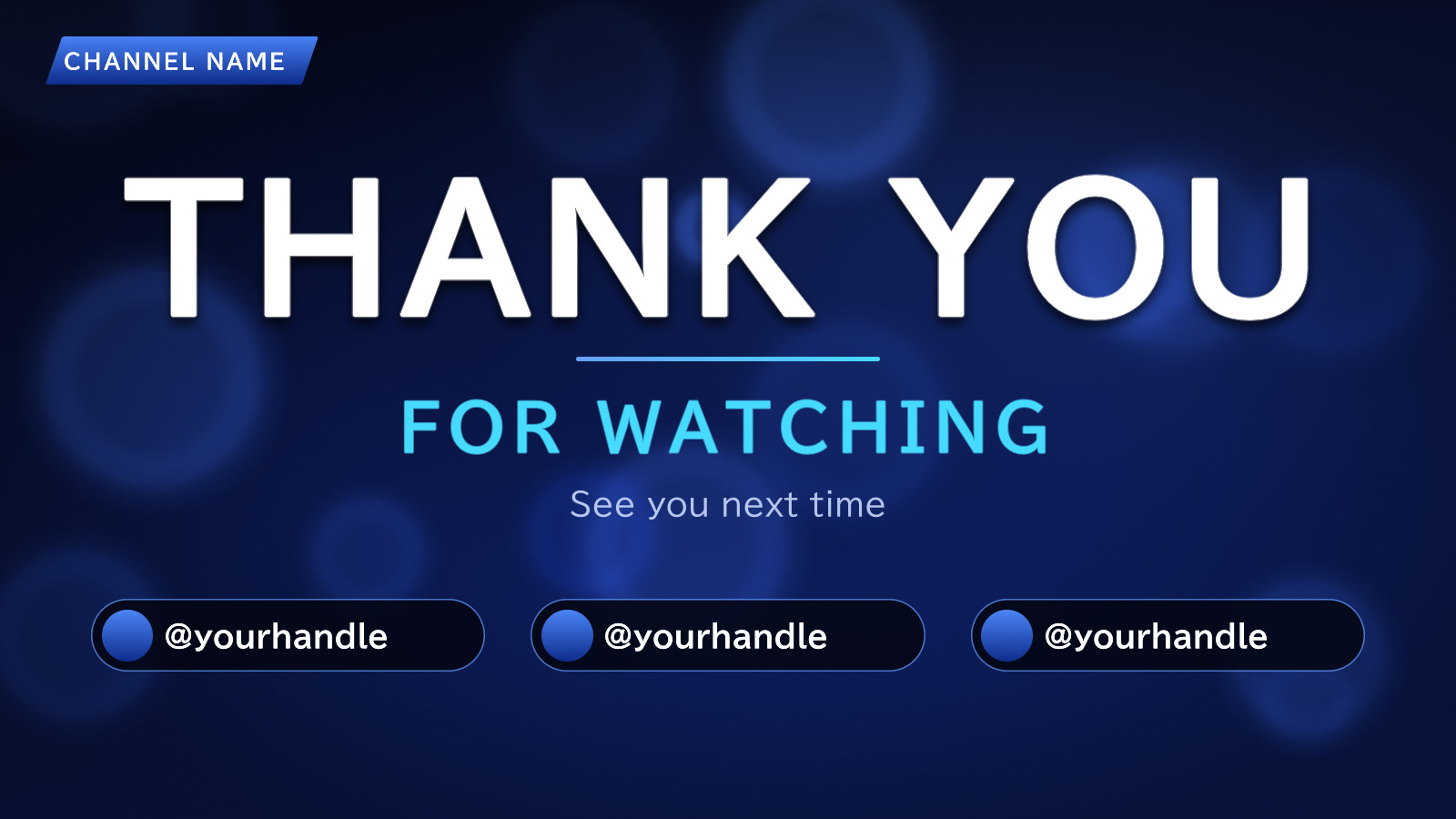
Thank You · Royal Blue
A thank you for watching scene with three handle chips.
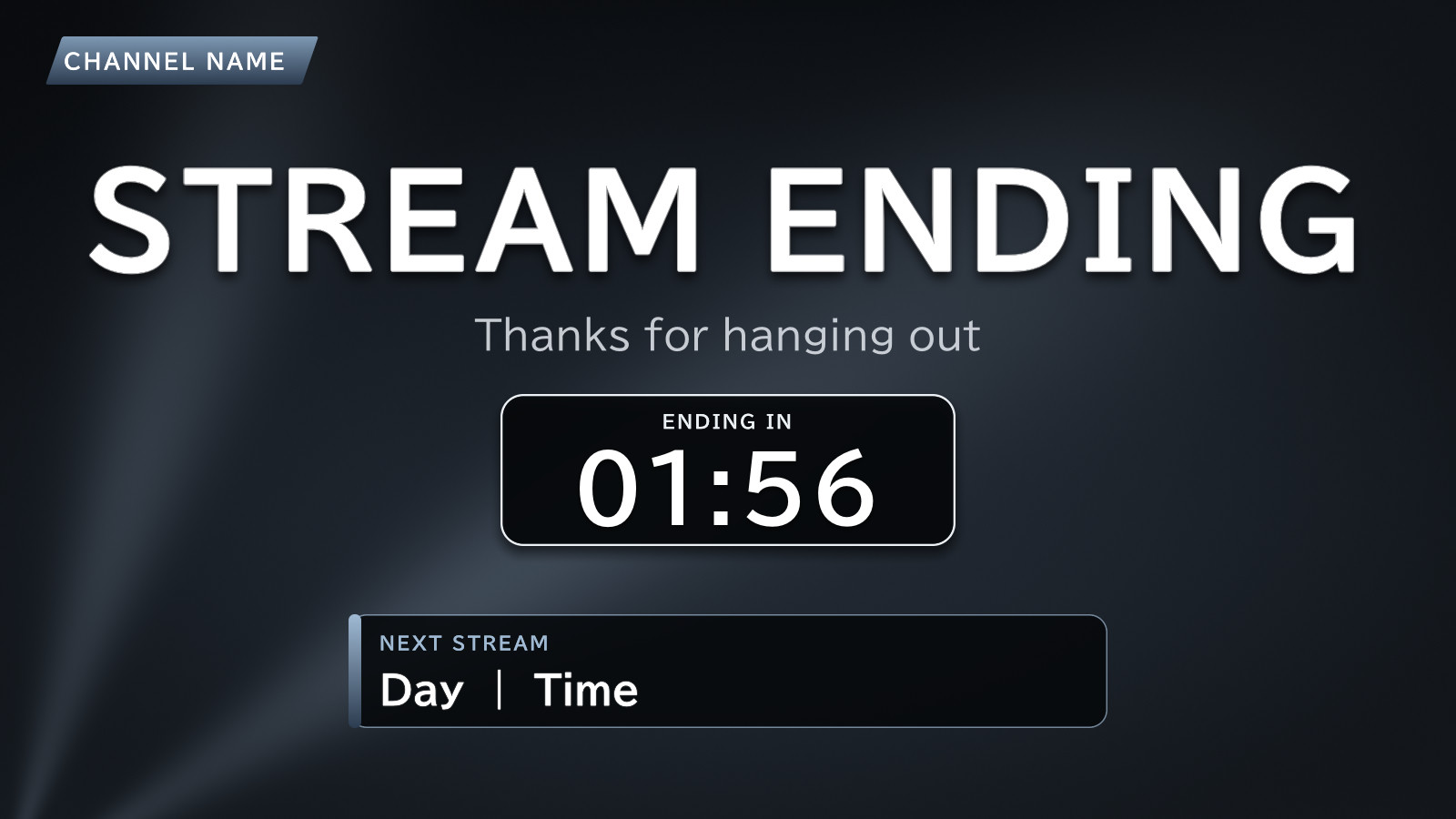
Stream Ending · Slate
A stream ending scene with a countdown and a next stream card, in the slate theme.
Everything in MSBroadcast
Scenes and layers
- Camera, image, text, ticker, clock and countdown layers
- Drag, resize, rotate and crop on the preview
- Snap to edges, centre and other layers
- Opacity, borders, shadows and entrance animations
- Ten scene designs in seven colour themes
- Lock, hide, duplicate and reorder layers
Camera control
- Pick any connected camera
- Pan, tilt and zoom where the camera supports it
- Save and recall camera presets
- Brightness, contrast, saturation and white balance
Audio
- Microphone and desktop sound sources
- A level and a mute for each source
- Master level
- Live meters
Recording
- H.264 video and AAC audio in MP4
- Hardware encoder first, software as the fallback
- Recordings stay playable after a crash
- Choose your output folder and file name
Streaming
- YouTube, Twitch and custom RTMP or RTMPS
- One encode sent to every destination
- Automatic reconnect for each destination
- Status and bitrate for each destination
- Stream keys kept in the Windows Credential Manager
Automation
- Every command is also a command-line call
- A control channel for scripts
- An MCP server for AI assistants
- Going live always needs your confirmation